Streamline Your Creative Projects with a Premium 300 Outline Icon Set
Maintaining visual consistency across a portfolio of projects is one of the most persistent challenges creative professionals face. Whether you are building a mobile app interface, designing a presentation for a stakeholder meeting, or producing marketing collateral for a seasonal campaign, the assets you choose directly impact both the quality of your output and the speed of your workflow. Hunting for icons across disparate free databases only to find mismatched stroke weights or inconsistent styles is a drain on productivity. This is where a comprehensive, pre-assembled collection like the 300 Outline Icon Set for Creatives changes the game. It is not merely a library of graphics; it is a structured toolkit designed to integrate directly into your existing design process, eliminating friction from the sourcing and implementation stages of your work.
The Strategic Advantage of a Curated, Niche-Specific Icon Library
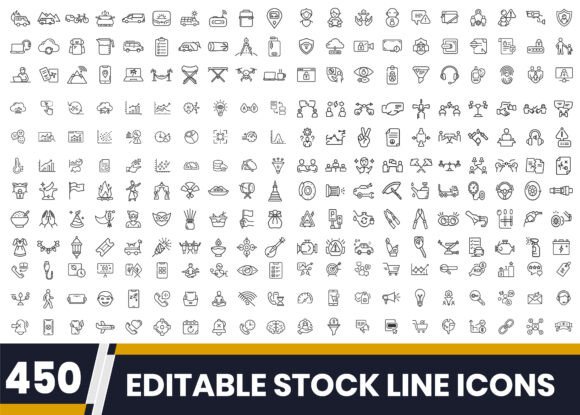
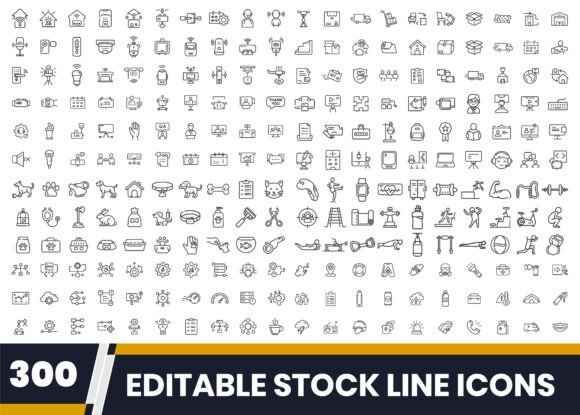
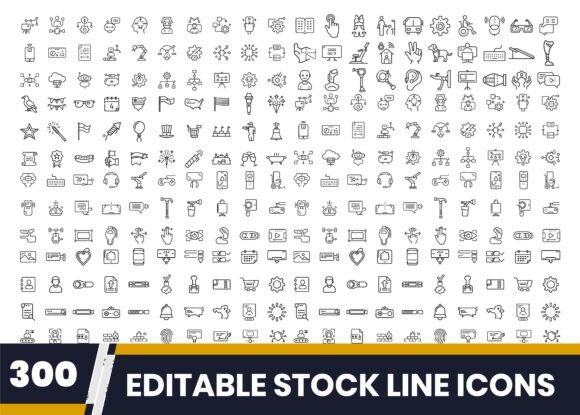
The most significant bottleneck in visual design is often sourcing. When you are in the flow of wireframing a dashboard or laying out an infographic, stopping mid-stream to search for a "cybersecurity lock" or a "beach umbrella" icon that matches your aesthetic breaks concentration. A premium bundle addresses this by providing a unified collection where every asset shares a consistent outline style. This particular set covers a wide spectrum of modern use cases, including 4th of July Icons, Accessibility and Assistive Tech Icons, AI Tools and Automation Icons, App UI Wireframe Icons, Business Security and Cybersecurity Icons, Blue Collar Professions Icons, and Camping Outdoor Adventure Line Icons.
This breadth is intentional. For a freelancer or agency owner, the ability to pull relevant icons for a fintech presentation, a travel blog, and a corporate training module from a single source ensures that your own portfolio maintains a cohesive visual language. From a workflow perspective, having these assets on hand before a project begins allows for rapid mood boarding and style tile creation. Instead of spending the first day of a project collecting assets, you can immediately drop in placeholders and focus on layout, hierarchy, and user flow. The structured, professionally grouped nature of the EPS files means you spend less time renaming layers and more time designing.
Integrating the Bundle into Your Creative Pipeline
Understanding how a resource interacts with your specific design environment is crucial for implementation. This icon set is engineered for compatibility across the major design platforms, including Adobe Illustrator, Canva, and Figma. The delivery format—a compressed ZIP folder containing 300 individual EPS files—is designed for quick unpacking and direct use.
Before the Project: Planning and Asset Preparation
Preparation is where this bundle provides the most immediate return. Before you even open a new design file, you can create a master asset library. Extract the ZIP folder and organize the icons by their niche categories. For example, create sub-folders labeled AI_Tools, Accessibility, Business_Meeting, and Travel_Beach. This simple organizational act transforms a large download into a searchable reference database.
When planning a project for a client in the accessibility space, you can immediately navigate to the Accessible Technology Icons folder. This eliminates the need to browse generic icon sites and filter through irrelevant results. You are effectively pre-qualifying your assets, which speeds up the initial mockup phase significantly. For a recent presentation on inclusive design practices, I was able to pull a complete set of assistive tech icons and drop them into a Figma frame in under two minutes, simply because the organizational structure of the bundle mirrored my workflow.
During the Project: Execution and Efficiency
Execution is where the technical quality of the vectors becomes apparent. Because these are fully editable outline icons, they behave predictably inside your design software. In Illustrator, you can open the EPS file and use the Direct Selection tool to adjust anchor points, change stroke weights, or apply a consistent brand color across the entire set. In Figma, you can import the SVG data or copy-paste the vectors directly into your component library.
The clean, minimal outline style is particularly valuable for UI/UX work. When designing an app interface, you need icons that scale down to 24x24 pixels without losing legibility. The App UI Wireframe Icons in this set are built with this constraint in mind. They function perfectly as navigation elements, call-to-action buttons, or empty-state illustrations. Furthermore, because the entire set shares a consistent visual grammar, you avoid the disjointed look that occurs when mixing icons from various free sources. This consistency builds trust with end-users and clients alike.
Practical Use Cases Across Professional Roles
The value of a versatile icon set is best understood through specific, real-world implementation scenarios. Different roles will leverage this bundle in distinct ways to solve specific workflow problems.
For the UI/UX Designer
A common pain point in wireframing is the lack of representative visuals. Abstract boxes and generic shapes do not communicate function effectively. By using the AI Tools and Automation Icons or Business Security and Cybersecurity Icons directly in your wireframes, you add a layer of context that helps stakeholders understand the interface's purpose without needing a fully polished visual design. You can treat the icons as dynamic components. If a client decides to shift the brand color palette, the vector format allows you to update the stroke color of every icon in your wireframe file with a single global edit.
For the Marketer and Content Creator
Consistency is the foundation of brand recognition. Marketers often create templates for social media, blog posts, and email newsletters. Integrating this icon set into your brand kit ensures that every piece of external communication uses the same visual language. For a seasonal campaign, such as a summer product launch, you can mix the Beach and Travel Essentials Icons with Business Meeting and Collaboration Icons to create relevant, unified graphics for a corporate retreat or outdoor networking event. The high-resolution 300 DPI JPG preview files are also useful for quick mockups or for team members who do not have vector editing software installed.
For the Educator and Blogger
Educational materials, printables, and how-to guides rely heavily on clear visual communication. The Blue Collar Professions Icons and Accessible Technology Icons are perfect for creating inclusive, representative visuals for training modules or career guides. Instead of cluttering your content with generic stock photography, you can use these precise line icons to illustrate concepts without adding visual noise. They are also ideal for low-ink printing scenarios, such as handouts or activity sheets, where detailed photographs would be impractical.
Optimizing Your Workflow for Long-Term Use
Owning a large icon set is only beneficial if you can efficiently retrieve and customize the assets you need. Implementing a few structural strategies will ensure this bundle remains a productive resource for years to come.
Customization and Brand Alignment
Outlines are a fantastic starting point, but true integration requires alignment with your brand guidelines. Upon downloading, take an hour to open the master EPS file and create a customized subset. Adjust the stroke alignment, cap type, or corner style to match your brand's aesthetic. If your UI uses a 2px stroke, apply that globally to the icons you use most frequently. This upfront investment in customization pays dividends every time you use an icon, as it will slot perfectly into your existing design system without requiring manual tweaking on a per-project basis.
Maintaining Your Icon Library
Treat the original ZIP file as your master archive. Do not work directly from it. Instead, create a dedicated project folder or a central asset drive. When you need an icon for a specific niche, copy the relevant EPS or SVG file into your current project's assets folder. This prevents library creep and keeps your source of truth clean. If you use Figma or Sketch, consider converting your most-used categories into a shared team library. This allows other members of your organization to drag the icons directly into their frames while maintaining a link to the source component, making future updates seamless.
Making the Decision to Standardize Your Assets
Every creative professional knows that time is the most finite resource. The time spent searching, vetting, and resizing mismatched icons adds up to hours of lost productive design time. A premium outline icon set is an investment in process efficiency. It removes the guesswork and inconsistency from asset sourcing, allowing you to focus on the conceptual and structural challenges of your projects.
The 300 icons in this bundle cover a surprisingly diverse range of modern topics, from the technical rigors of Cybersecurity and AI Automation to the lifestyle needs of Camping and Travel. This diversity makes it a single-source solution for creatives who work across multiple industries or who produce various types of content. By standardizing your iconography with a curated, editable, and professionally organized set, you build a reliable foundation for your creative workflow. You move from being a collector of random graphics to a manager of purposeful assets, ready to execute any brief with consistency and speed.