Elevate Your Presentations with the Infographics Keynote Template
Presenting data, company profiles, or creative work in a way that captivates an audience is no small task. The difference between a forgettable slideshow and a memorable presentation often comes down to design. An Infographics Keynote Template bridges the gap between raw information and visual storytelling, offering a structured yet flexible framework for building professional presentations. Whether you are preparing for a board meeting, a client pitch, or an internal strategy session, having a template that streamlines the design process while maintaining high visual standards changes the way you communicate your message.
What Makes an Infographics Keynote Template Stand Out
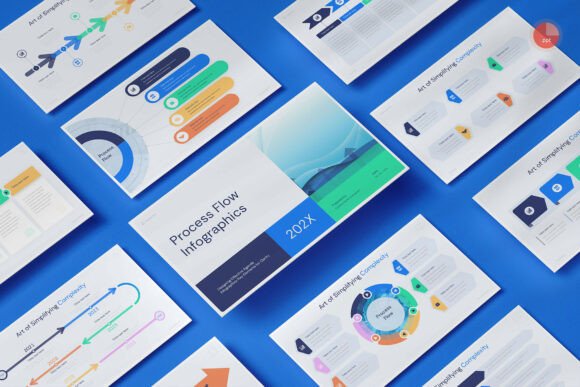
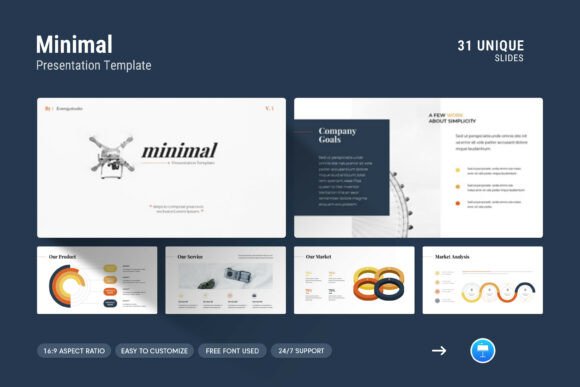
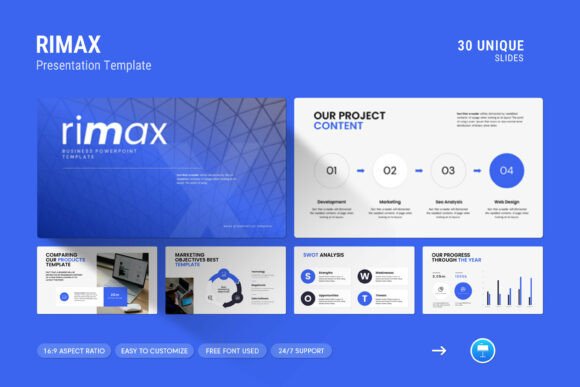
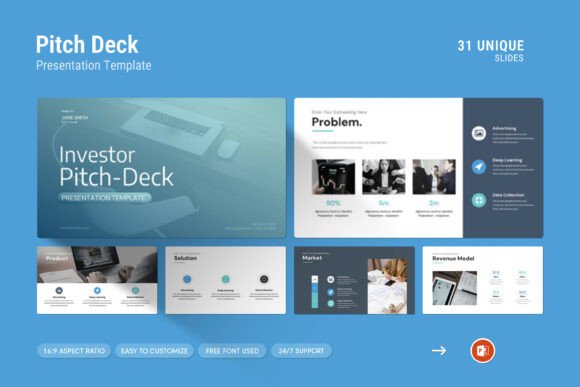
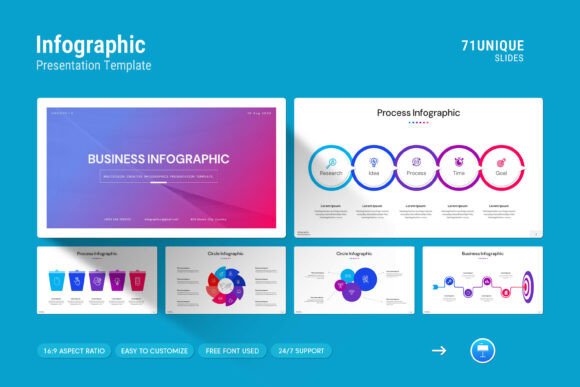
A well-designed template does more than just provide a background for your text. It gives you a complete visual language that includes infographics, tables, vector icons, diagrams, and photo layouts. These elements work together to create a cohesive narrative. When you choose a template built specifically for infographics, you are not just getting a set of slides; you are getting a toolkit that helps you turn complex data into clear, understandable visuals. This particular template, for example, includes 71 slides in total, ranging from master slide layouts to fully editable content pages. It works on both Apple and Windows environments, which is a crucial consideration for teams that use mixed hardware. The drag-and-drop functionality for images means you do not need advanced design skills to swap out visuals, and the easy color change feature lets you align the presentation with your brand guidelines in minutes.
One of the most practical aspects is the 16:9 Full HD ratio at 1920x1080px. This resolution ensures that your slides look crisp on modern monitors, projectors, and even large screens. The free font used throughout the template also reduces licensing headaches, making it straightforward to distribute and collaborate on the file without worrying about missing typefaces. Whether you are a solo entrepreneur or part of a larger marketing team, these features directly reduce the time spent on formatting and increase the time available for refining your content.
Why Infographics Matter in Modern Presentations
Audiences today are conditioned to process visuals quickly. A wall of text on a slide will often lead to disengagement, whereas a well-placed infographic can convey the same information in a fraction of the time. The Infographics Keynote Template is designed with this reality in mind. It provides pre-built infographic elements that you can populate with your own data. This is particularly useful for quarterly reports, market analyses, or any scenario where numbers and statistics need to be presented clearly. Instead of building a bar graph or pie chart from scratch, you can drop your data into the existing vector-based graphics and have a polished visual ready to go.
The inclusion of tables and diagrams also adds depth to your presentation structure. Tables are ideal for comparison data, pricing sheets, or feature lists, while diagrams help illustrate processes, workflows, or organizational structures. When you combine these elements with creative photo layouts, the result is a presentation that feels custom-built for your content. The template does not force you into a rigid structure; instead, it offers variety across its 71 slides so you can pick and choose the layouts that best fit your narrative.
How the Template Fits into Real-World Workflows
Consider a scenario where a startup is preparing an investor pitch. They need to showcase their growth metrics, market potential, and team background. Using the Infographics Keynote Template, they can pull from slides that highlight key performance indicators using infographic elements, lay out market projections with clear diagrams, and introduce team members with polished photo layouts. The consistency across slides ensures that the pitch deck feels cohesive, which builds credibility with potential investors. Similarly, a marketing agency might use the template for a quarterly business review. They can incorporate campaign performance data into infographics, present client testimonials in visually appealing layouts, and outline future strategies using flow diagrams. The drag-and-drop image feature becomes especially valuable when multiple team members contribute updates, as they can quickly replace screenshots or graphics without disrupting the overall design.
Another practical scenario involves corporate training or internal communications. Many organizations produce onboarding decks or policy updates that end up being text-heavy and dry. By leveraging the infographics and vector icons within this template, those materials become more engaging. Employees are more likely to retain information when it is presented visually, and the professional look of the slides reflects positively on the company's attention to detail. The master slide layout feature also helps maintain brand consistency, so even if different departments create their own presentations, they all follow the same visual guidelines.
Practical Benefits That Save Time and Effort
One of the primary reasons professionals turn to templates is efficiency. Starting from a blank canvas can be intimidating and time-consuming, especially when you have tight deadlines. The Infographics Keynote Template offers a head start with 71 pre-designed slides that cover a wide range of use cases. Whether you need a title slide, an agenda page, a data visualization spread, or a closing slide, you can find a layout that works. The master slides approach means that global changes, such as updating fonts or adjusting colors, can be applied across the entire presentation in one action. This is far more efficient than manually tweaking each slide, especially in longer presentations.
The easy color change feature deserves special attention. Brand colors can be tricky to match, but this template simplifies the process. You can adjust the color palette to align with your company's branding or the theme of your event without needing to dive into complex editing tools. The vector icons included in the template are also scalable, so you can resize them without losing quality. This is particularly useful when you need small icons to complement bullet points or larger icons to serve as visual anchors on a slide. The free font used ensures that even if you share the file with someone who does not have the font installed, the presentation will still render correctly, preventing last-minute formatting issues.
What to Consider Before Choosing an Infographics Template
While this template offers a comprehensive set of features, it is worth considering how well it aligns with your specific needs. The 71 slides provide a broad variety, but not every layout will be relevant to every presentation. You will likely select a subset of slides that work best for your content, which is perfectly fine. The key is to have options. The master slide layout and easy customization mean you can adapt the template to fit your narrative rather than forcing your content into a predetermined structure. Think about the types of data you typically present. If your work involves complex datasets, the infographics and diagram slides will be especially valuable. If you focus more on visual storytelling through images, the creative photo layouts will be your go-to slides.
Another factor is the learning curve. While the drag-and-drop functionality makes it accessible, you will still benefit from familiarizing yourself with the master slides and how the color changes work. The included help file provides guidance, and the free real support from the designer adds a layer of confidence. If you run into a specific question or need advice on customization, knowing you can reach out to a skilled designer is a practical advantage. This support can be the difference between a smooth customization process and a frustrating one, especially if you are working under a tight deadline.
Final Observations on Using an Infographics Keynote Template
Presentations are a reflection of your professionalism. When you use a template that has been carefully crafted with infographics, vector icons, and well-thought-out layouts, you signal to your audience that you value clarity and quality. The Infographics Keynote Template is designed to help you present your work and company profile on another level, as the product description notes. It is a practical tool for anyone who needs to create compelling presentations regularly, from startup founders and marketing professionals to educators and corporate trainers.
What you get is not just a set of slides but a system for visual communication. The drag-and-drop image replacement, easy color customization, and compatibility across Apple and Windows systems remove the barriers that often slow down presentation creation. The inclusion of infographics, tables, diagrams, and photo layouts gives you the building blocks to tell your story in a way that is both informative and visually engaging. Whether you are preparing for a high-stakes pitch or a routine internal update, this template provides the foundation for a polished, professional result.